
yt-dlp
yt-dlp is a free, public-domain command-line program for downloading video and audio from YouTube and many other video sites.
Windows
Open source

26.3.1.389 · Open Media LLC · Page updated
4K Video Downloader is a Windows program from Open Media LLC for saving online videos to your computer. It is distributed with a demo licence.
Average 0.0 · ratings: 0
Thank you! Your rating is saved; you can change it. Could not save the rating. Please try again later. Too many ratings from your network today. Please try again tomorrow. The average appears after 5 ratings.
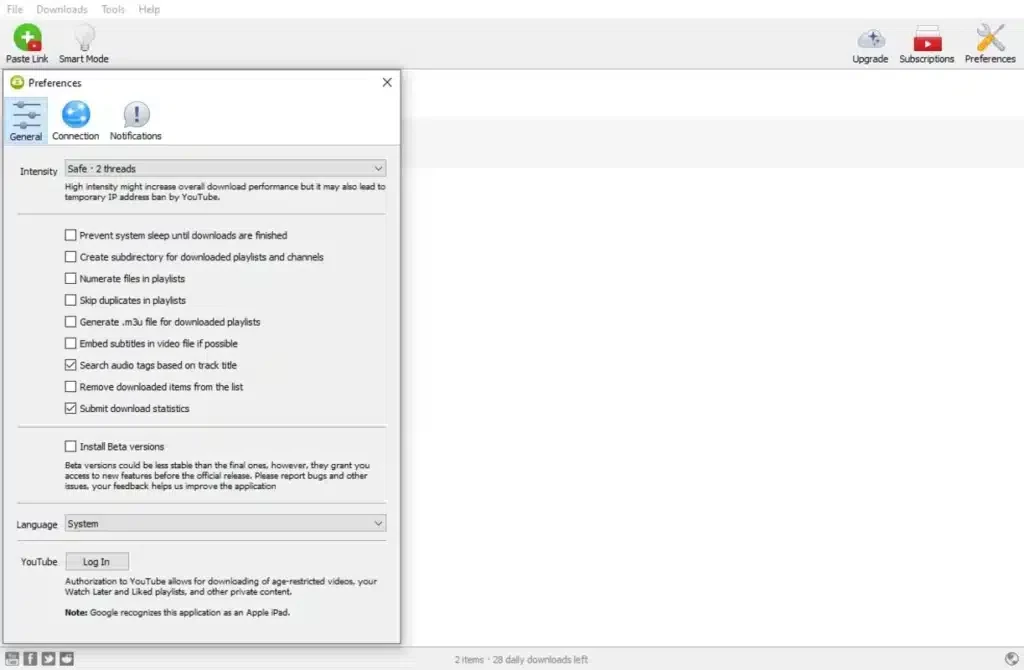
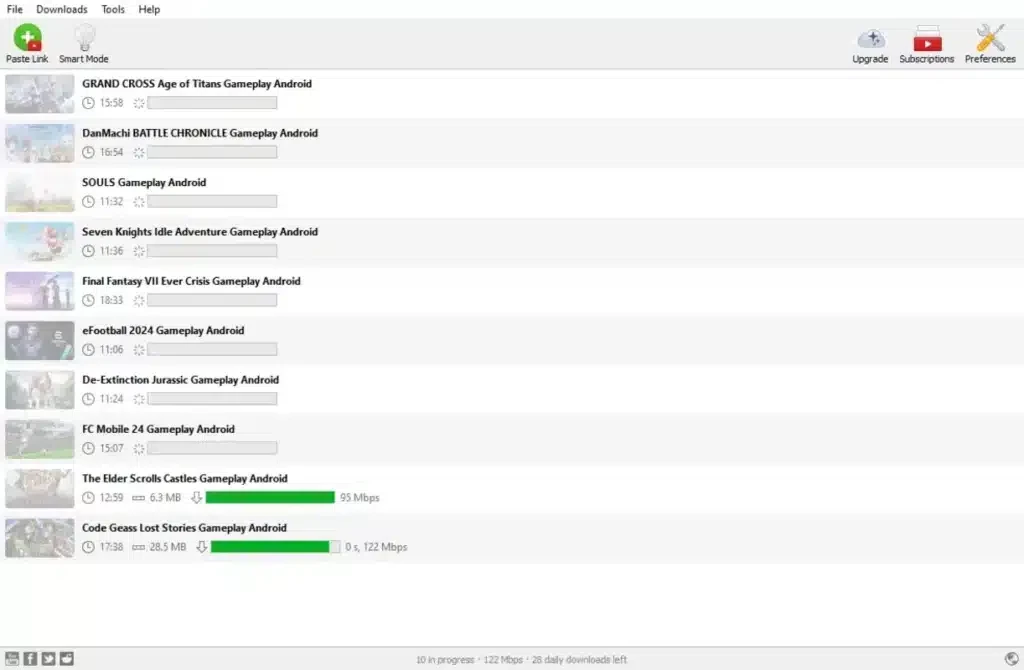
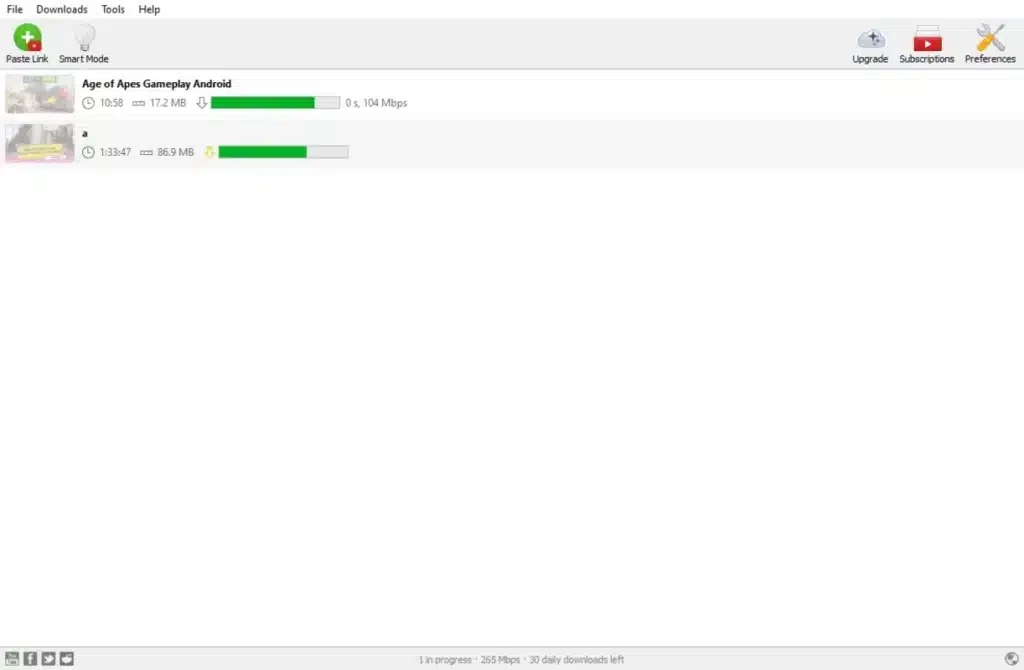
4K Video Downloader 26.3.1.389 is a Windows program from Open Media LLC for saving online videos to your computer so you can watch them offline. It is distributed with a demo licence, which means you can try it before deciding whether to pay, and you should download it only from the developer's own website.
A desktop video downloader suits people who regularly need videos without an internet connection: commuters and travellers who watch on a laptop without Wi-Fi, teachers preparing lessons for a classroom with unreliable internet, researchers archiving their own recorded talks, and creators backing up material they published themselves. It is less useful if you only watch online and have a stable connection, because streaming is simpler and the video stays up to date. Before using any downloader, be clear about the rules: saving a video is fine when it is yours, when the uploader explicitly allows it or when your local law permits a private copy, while many video platforms restrict downloading in their terms of service. Used within those limits, a dedicated program is a convenient way to keep the videos you actually need on your own drive.
| Item | Details |
|---|---|
| Version | 26.3.1.389 |
| Developer | Open Media LLC |
| Platform | Windows |
| Licence | demo (trial before purchase) |
| Size | about 206.68 MB according to catalogue data (offline installer) |
High-resolution video takes a lot of disk space. Pick the quality you actually need: lectures and podcasts rarely require the highest resolution, and smaller files are faster to save and easier to move to a phone. Keep downloads in one folder with clear names and delete what you no longer need.
Video downloaders are among the programs most often imitated by fake installers that carry adware. If an installer comes from anywhere other than the developer's site, delete it. "Cracked" or "activated" versions of paid tools are a common source of malware and should be avoided entirely.
Our listings include 4K Video Downloader Plus from the same field, and Youtube Downloader HD, ClipGrab, Freemake Video Downloader and yt-dlp, other tools for saving online video on Windows.
yt-dlp is a free, public-domain command-line program for downloading video and audio from YouTube and many other video sites.

SHAREit is a free Windows app from the SHAREit Team for moving photos, videos and documents between a PC and a phone. The current version is 5.1.0.7.

Zapya for Windows is a free file transfer app from DewMobile for moving files between a PC and phones over a local wireless connection.

Easy Connection to Screen is Samsung's Windows app for showing a PC's screen on a compatible Samsung TV over a wireless connection.

Internet Download Manager (IDM) is a shareware download manager for Windows from Tonec that accelerates, resumes and schedules downloads.

uTorrent (μTorrent) is a small BitTorrent client for Windows from Rainberry (BitTorrent Inc) for downloading and sharing files over torrents.

AnyDesk is a remote desktop application for connecting to and controlling another computer over the internet, from a small Windows program.

ShareMe is Xiaomi's free app for sending files between devices without a cable; on Windows the Android app runs only inside an emulator.

Xender is a free file sharing app from the Xender File Sharing Team for sending files between phones and computers over a local connection.